@dhj Yes, I’m aware of that.
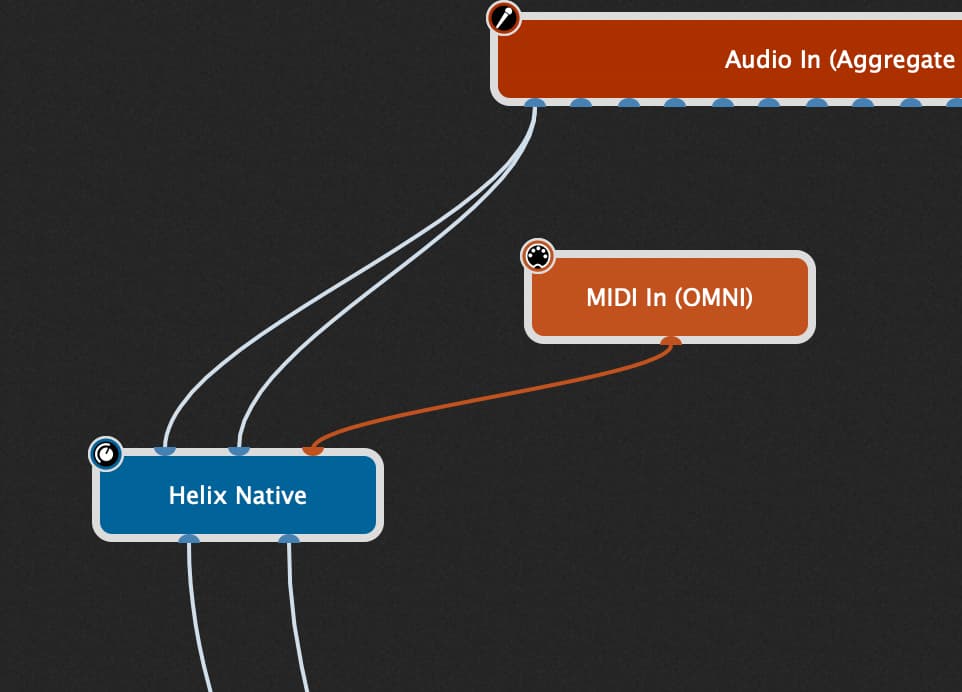
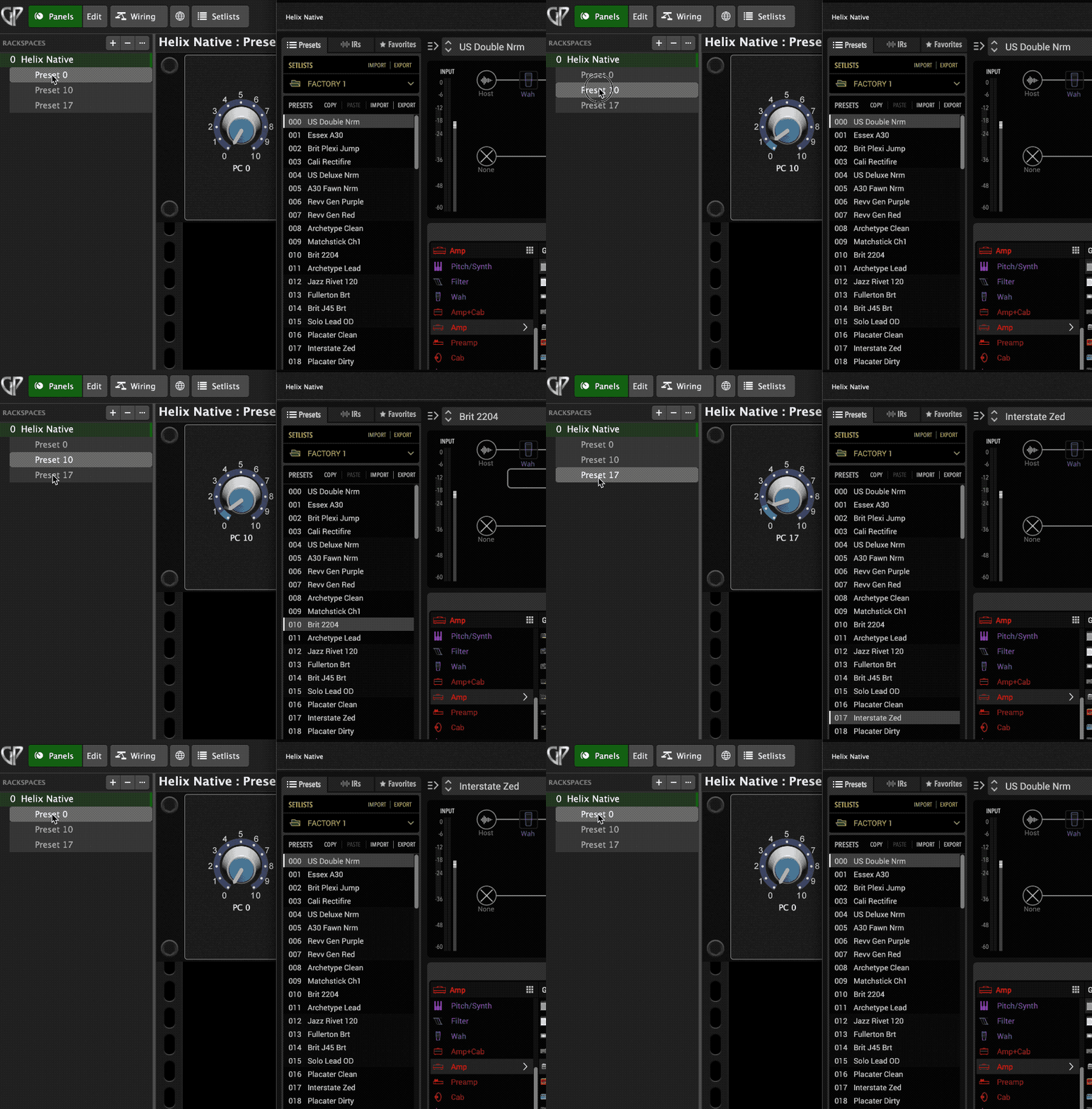
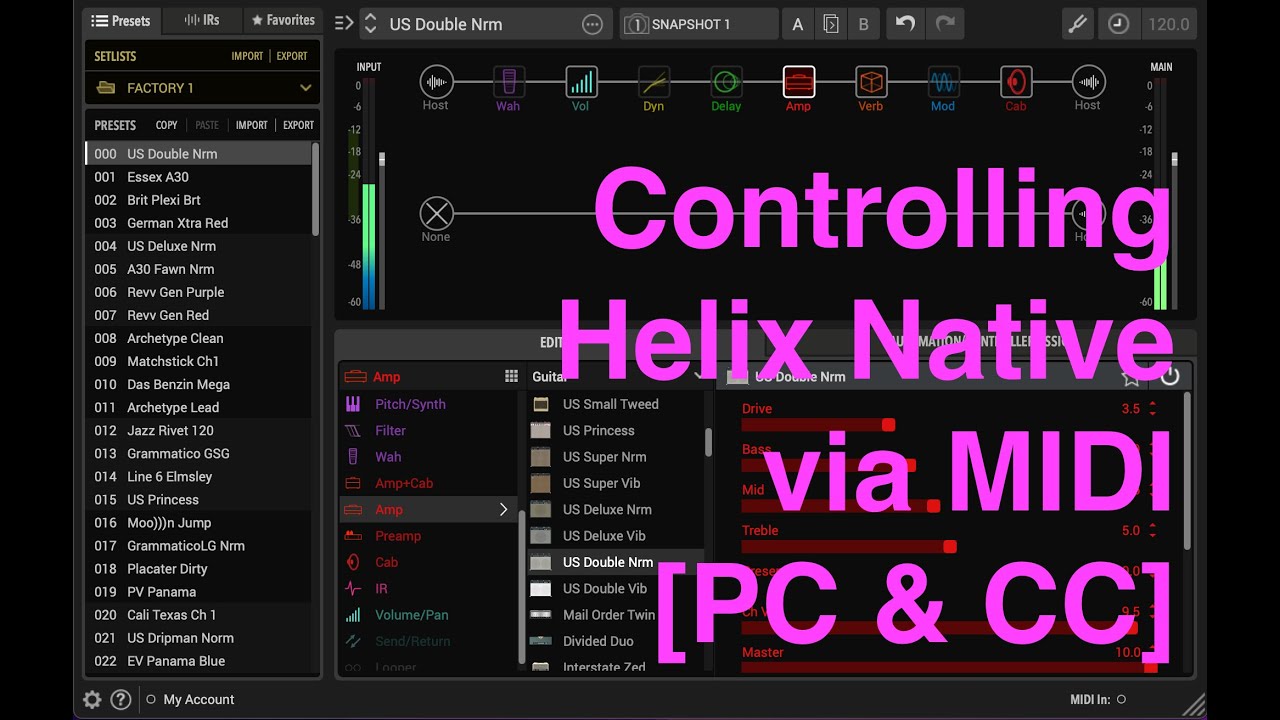
@Bernarada I threw together this video over two sessions (today morning/evening). I haven’t made any videos for a while so good to remind myself how to do it. It might help you, if you can sit through almost an hour of my freeform lecture/musings on the subject. I demonstrated most of the second half in Gig Performer 5, but it was a bit easier to explain basic stuff using Live 12 and Bitwig 5.
@rank13 Nice. So… How would you achieve switching PC/presets with a widget knob like this using a foot-controller? Use a dual aux switch like the Boss FS-6 programmed to go “up” and “down”? Or?
@Vaultnaemsae This is great. As I wrote on Youtube, thanks for taking the time to make this video. I also commented there that “while I’ll have to experiment with how I need to program my Morningstar MC6 PRO to work with GP5 to achieve what you achieved here in order to change presets in Native, this is definitely helpful.”
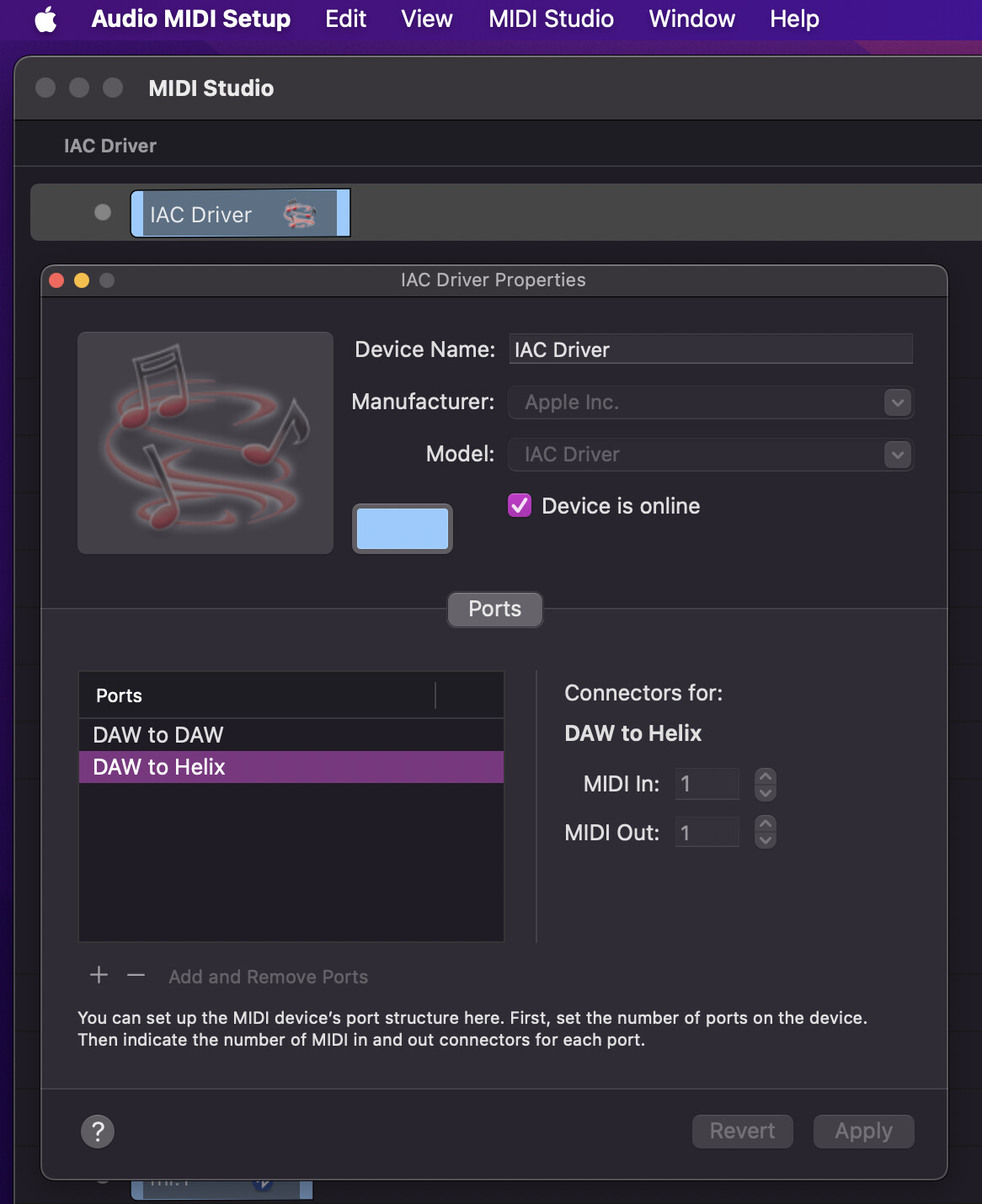
Then I added “I’m wondering about the ‘IAC Driver DAW to Helix’ that you created in your Mac Audio MIDI Setup window. Would it be possible to share a picture or image of it, so I see what it looks like?” That would be helpful too.
Also, at 44.23 in the video, you say that you’d take a different approach if you’d be using this with a foot-controller. So, what do you mean by that? What would be different?
@Vaultnaemsae I’m struggling with getting this to work. It might start from the side of creating the IAC Driver (first time I’m doing this, so something might be off), but also with programming GP, although through your video the solution is staring me in the face.
I was wondering, would it be possible, if you still have it, the share the GP gig file you’re using in the video ?
Here are some images but I’m not sure how helpful they’ll be as I assume you’ve already configured the ports.
Grid View:

IAC Driver configuration:
I mean exactly what I said: I’d take a different approach (…depending on the context of what I’m trying to achieve). I haven’t set up a complete MIDI foot controller system for GP5 yet as I haven’t quite decided on exactly how I want things to work or what will be optimal for my specific use cases. Since, my MIDI setup is a litttle complex, I don’t really want to bring all that into this discussion because it will inevitably muddy the waters.
I’d suggest, try not to get too caught up in the minutia. Learn how to trigger the changes you want using very basic systems – build your MIDI house up from the foundations. That’s why I demoed everything using MIDI clips sent from Live 12 as a beginning point. Later in the video I demonstrated exactly how I’d send MIDI PC from a foot controller using the SoftStep 2. I was essentially substituting Live and the SS2 for one another to make the point that it’s all just MIDI.
I appreciate the MC6 is a different animal. I guess it’s so powerful that you could do anything you could possibly dream up with it, but you first have to figure out a suitable layout and how to program it. I have a Liquid Foot+ JR controller that is extremely powerful but rather difficult to program – it can be a real MIDI headache. On top of that, before I could even begin using it, I had the issue of trying to figure out a practical layout for the switches. Ringing any bells?
Anytime I’m setting up a new controller, I make extensive notes on the desired controls, switch layout, labels, MIDI messages, target devices, ports, channels, pages, etc… everything I can think of. I try to make a very clear image of how it will work before I try to build it. Often I end up with multiple versions before I arrive at something that really works for me.
I’m not sure if any of this helps. There may be an easier way to do things depending on your specific needs but in this kind of forum I can only present things more generally. Feel free to PM me if you want to discuss it outside of this thread.
@Vaultnaemsae Thanks for taking still more time to answer me. I need to spend more time trying things out, then, as needed, I might PM you, which is something I appreciate you offering.
The video you made—which I watch as I try things out—clarifies that changing Helix presets can be done and I trust I’ll get there. When? Well, that’s the catch.
A “practical layout of the switches”… Right. It definitely “rings a bell”. The more I get into programming the MC6, the more I learn all it can do, the more have to reprogram it, reflecting on what it is exactly that I want to achieve. It is a powerful unit.
I know this was all months ago, but I recently made another video on using Helix Native (AU) with Gig Performer 5 to synchronize LED status (preset and snapshots) with a foot controller. It may be of some interest to Helix Native/Gig Performer 5 users. It’s all work in progress but it’s getting there. The snapshot part is based on the script by @rank13 from this post but adds LED feedback: Helix Native Snapshots script for VST3 converted to AU