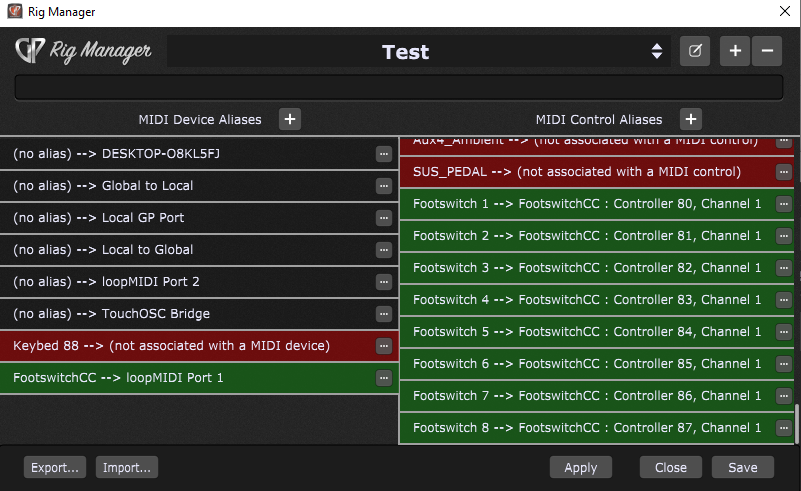
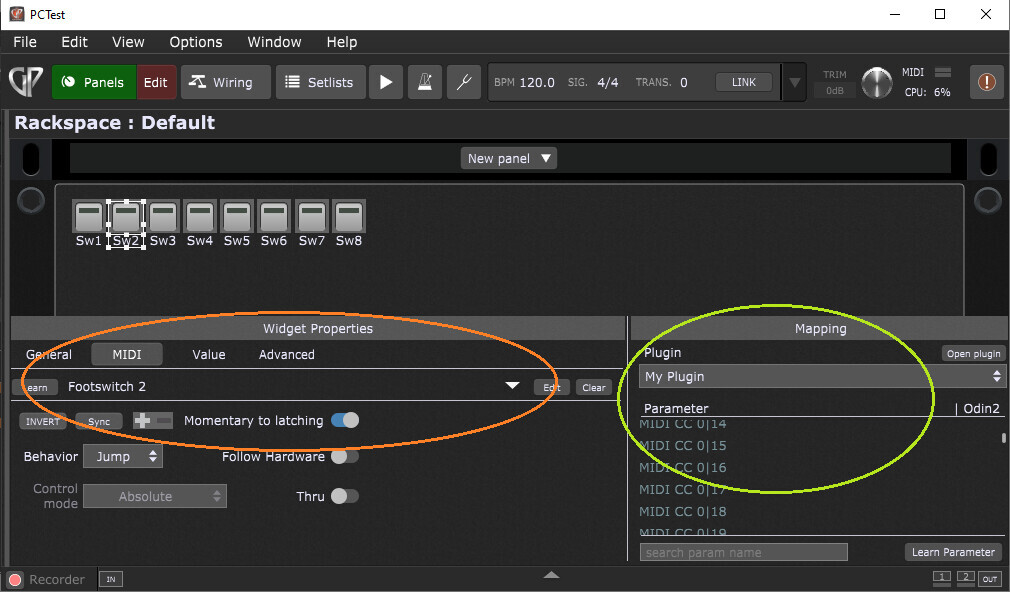
I have included the script from rank13 into the test rig for you. I have changed the device name from ATG-1 to FootswitchCC (no spaces) in Rig Manager. If you don’t have the control aliases set yet they can be added after the gigfile has been loaded. The purpose of Rig manager is to allow generic names to replace real hardware names, so that hardware can be reassigned without Rackspace changes. This must be done first so that the script compiles when loaded, you will get an error message if the name is wrong.
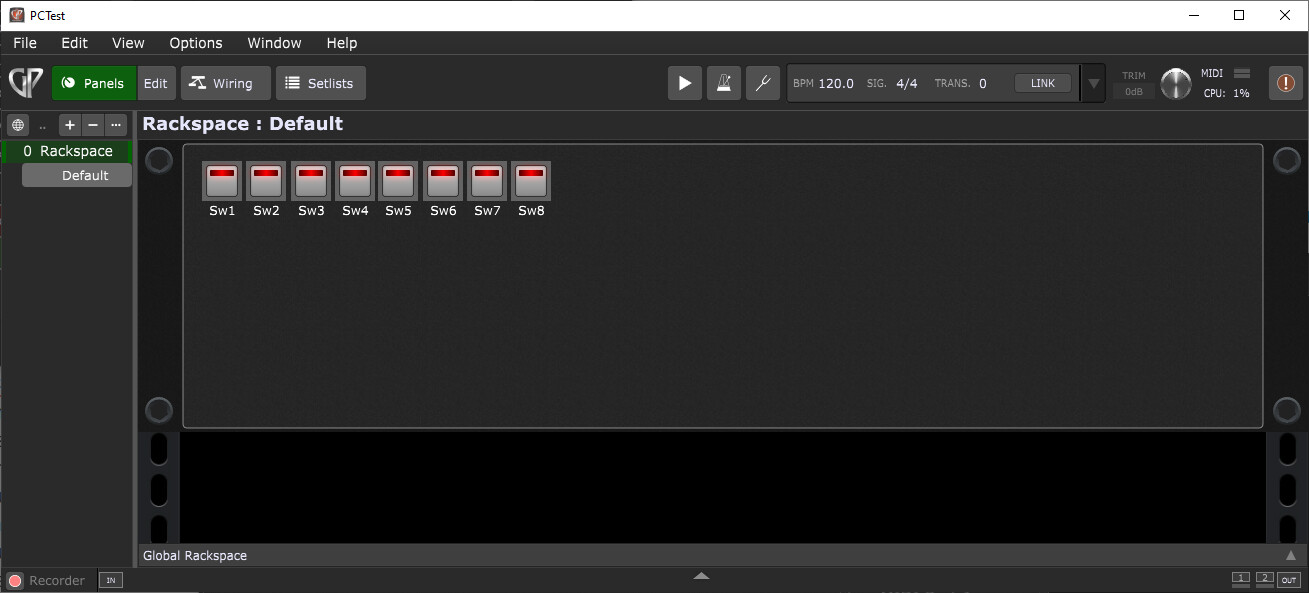
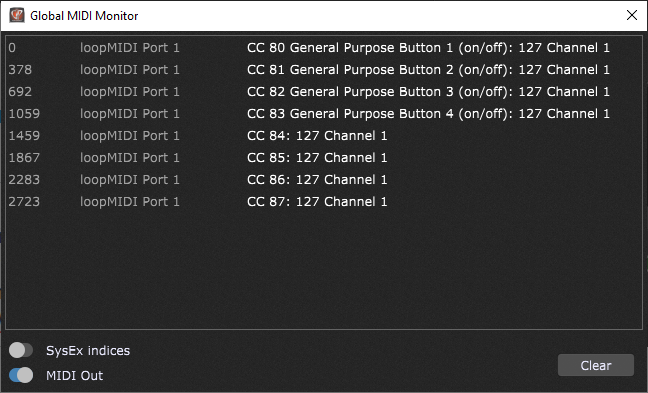
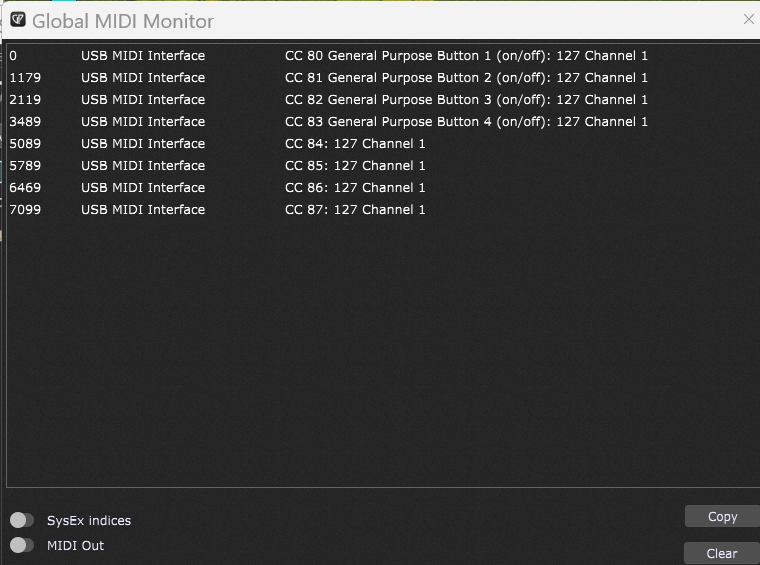
You should now have each of the buttons on the rackspace panel toggling with each switch press. The global MIDI monitor should show this when the foot switches are pressed.
redid my Rig manager and loaded new gig file. created the footswitch control aliases and learned them, then went to widgets and linked each to a pedal (at first they didn’t work because they were assigned to your loopmidi which i didn’t have, but I set them each to the respective alias in the dropdown menu and they all work. SO READY for the next step LOL How do I assign them to Samptank mute buttons?
Hopefully this is the easy part. Put the plugin into the wiring panel then for each switch select the plugin and the parameter you wish to control (green highlight). The parameter names will/should be obvious.
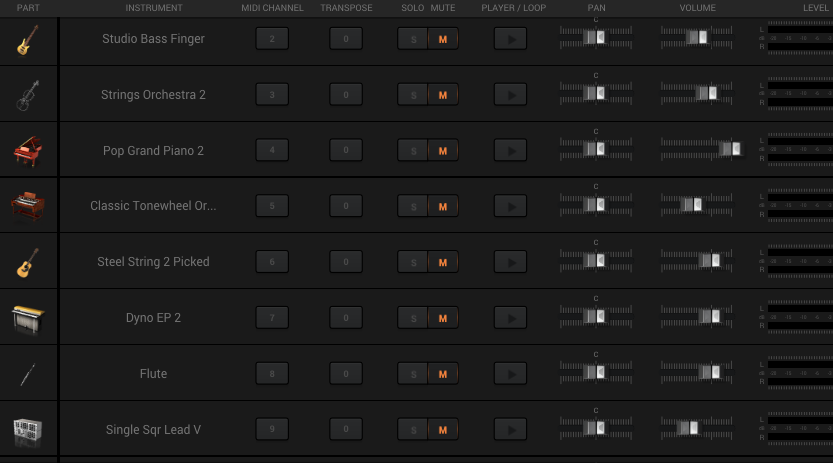
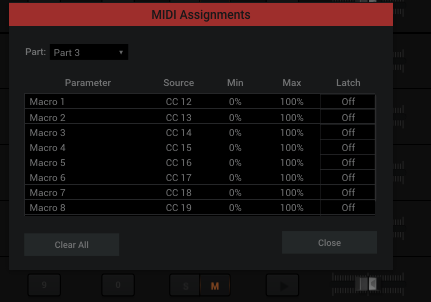
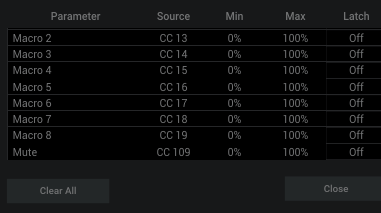
Not sure what parameters to assign. Also each Sampletank instrument is on their own midi channel, so don’t I have to send the CC on their specific channel? See photo of SampleTank MultiInstrument. I’m trying to turn the mute buttons on and off for each individual instrument. I right click them it shows midi learn, or midi assignments with 8 Macros with parameters and CC
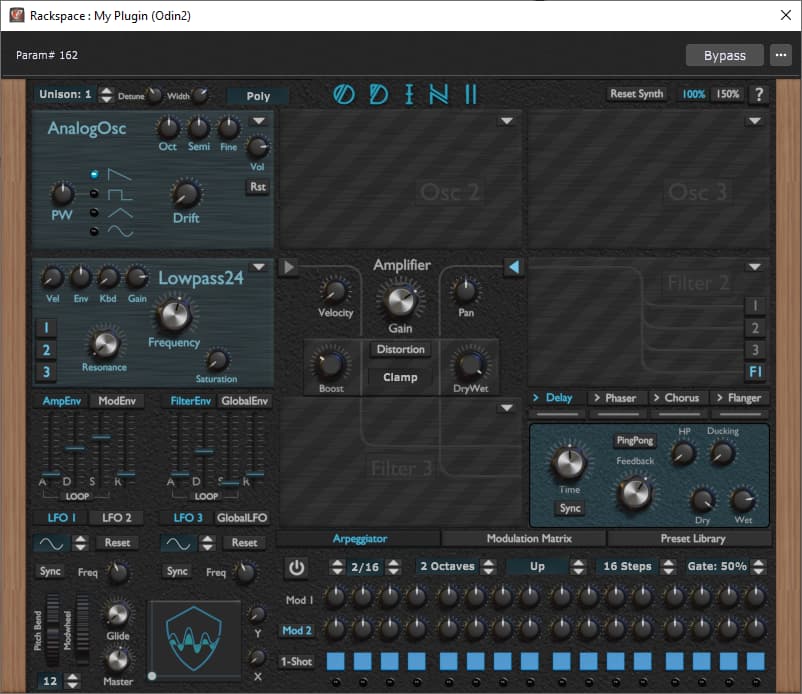
Look at the green circle in my image, everything is/should be in there. Use the search at the bottom if there are 100’s of parameters. Try typing ‘mute’ in the search.
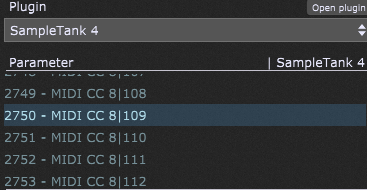
Theres a scrolling list of several thousand parameters. I tried searching mute but didn’t find it. So I looked at the instrument on channel 8. It’s mute button showed CC 109 so I found that in the list of parameters for switch 8 and selected 2750 - MIDI CC 8|109
I went back to Sample tank and clicked the controller but got no response. Mute button did not change
Only readable names are Bypass Plugin and then Open/Close Plugin Editor. After that it just starts with numbers Parameter 0 upto several thousand.
last one is 3680
this is setting up GP to control the plugin. Playing the plugin is a different thing and the reason there is no midi connection is so the two are not confused at this stage.