Will document later
Cheers
Hi
Got it all working- I missed some hidden buttons that needed assignments
Cheers
It works awesome now
Hello,
I’ve just tried this and everything works except the fact that the file always starts from the beginning even if I turn off Retrigger.
Thanks for pointing to that issue! 

I somehow forgot in the code to also consider the “Retrigger” switches… this functionality should be fixed now.
Please reload the latest version of the gig file (V1.2)
Cheers!
Erik
Thank you.
Just tried and it’s working now.
I like to add some functionality in my extension eventually.
New to gig performer. I was in need of a trigger able sample player (one shot), and was recommended this. Is there an installation guide for this? Is it a plug in ? I cant seem to find where to put this (in a folder), and how to activate it in the software. It looks like what I need though. Would appreciate the help!
Very interesting! A close fit for something I’m trying to do right now. I’m new to GP and haven’t had a chance to play with scripting yet, but am curious to see whether this could be modified to play a random clip for a specific number of sections at set intervals…will play with it later 
Hello Erik,
great job!
This one shot sampler is nearly exactly what I´m looking for.
One question:
What do I have to add if I want to play only one sample at the time?
As soon as I start a new sample the previous one needs to be muted.
Is this possible?
Best Regards
Thomas
What you could try:
Set all “Latch” switches to ON (so they keep playing until the trigger pad is switched to OFF).
Then put all the eight trigger pads into one radio-button group, so that only one can be switched ON at a time - in theory that should do what you want. If it doesn’t work, i maybe could have a closer look at it tomorrow.
…or you give this other concept a shot - could work even better for your purpose:
Good night for now! 
Thanks for the quick response.
The first solution is not working on my system.
Even with radio button assignment the samples play in parallel.
Your new rackspace with streaming file player is doing what my goal is, but unfortunately GP5 crashes after some fast triggering of the samples.
I will try to find the reason for the crashes tomorrow.
Meanwhile thank you very much for supporting me.
Good night!.
Please post crash report
Instructions: How to post a crash log on Windows
Hi,
sorry for the late response.
Unfortunately GP did not show such an error message. It crashes and leaving the application immediately.
BR
Thomas
You should be able to find the crash reports using the link below (or going through the event viewer)
%LOCALAPPDATA%\CrashDumps
I am looking for a sampler to trigger samples and another member sent me to this thread. Can someone give me instructions on how to get the download into my Rackspace? I am very new to Gig Performer and have no idea where to download to and how to load into my Rackspace.
Also, do I need to download AudioFilePlayer (AFP) as well?
Save the gig file from the original post and open it. Then right-click the rackspace> Export rackspace.
Open your own gig file and you can literally drag the rackspace file you saved into the GP window and it will import itself.
That is an internal GP plugin that comes with GP. You have it already. 
Got it. Thank you for your help!!
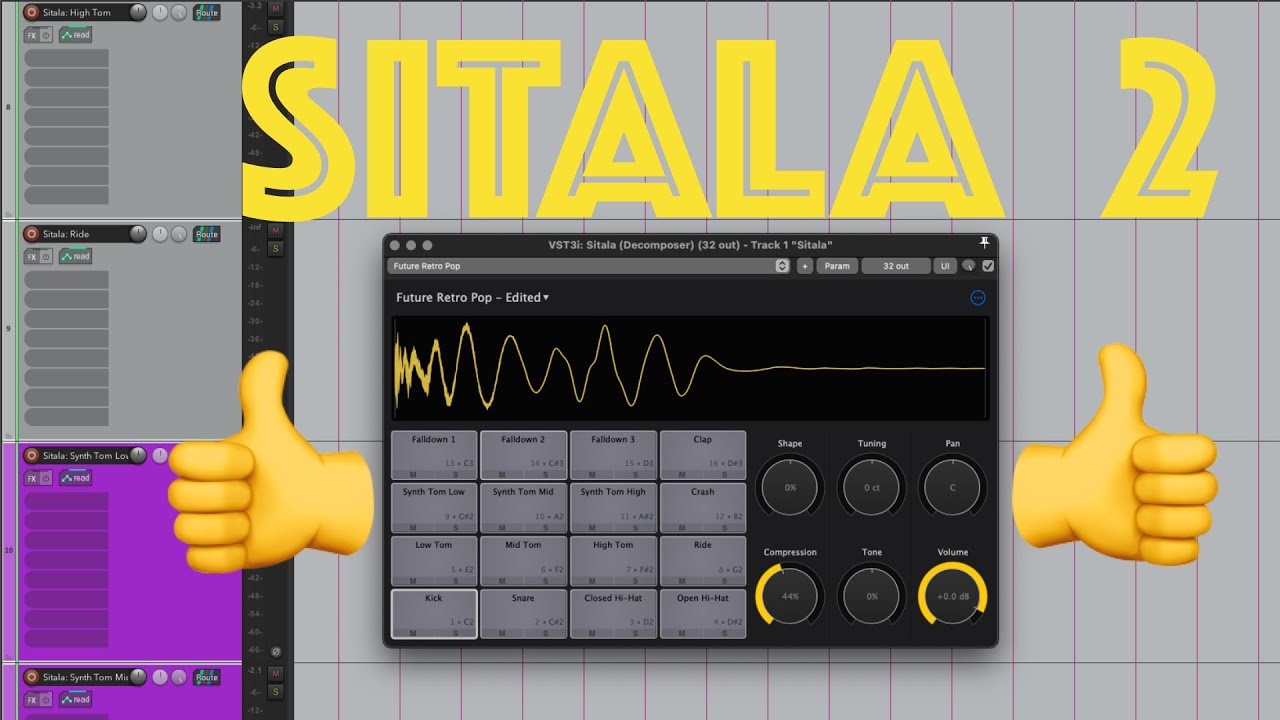
@schamass Hi Erik. Have you considered using a drum sampler VST like Decomposer’s Sitala 2 (v1 is free; v2 is $20)? You probably wouldn’t need any of the drum sample FX manipulation, but you could load your own audio samples and play them via standard MIDI mapping without any script needed.
Here’s a video showing it in Reaper.
Tal-Drum is a great simple, but powerful drum sample player that I use a lot for one shot samples