Back on the Global vs. Local rackspace thing, I’m putting all of the constant, such as my inputs and outputs and a mixer and most of the vocal chain into my global rackspace. The stuff that varies, like guitar effects and MIDI instruments are local.
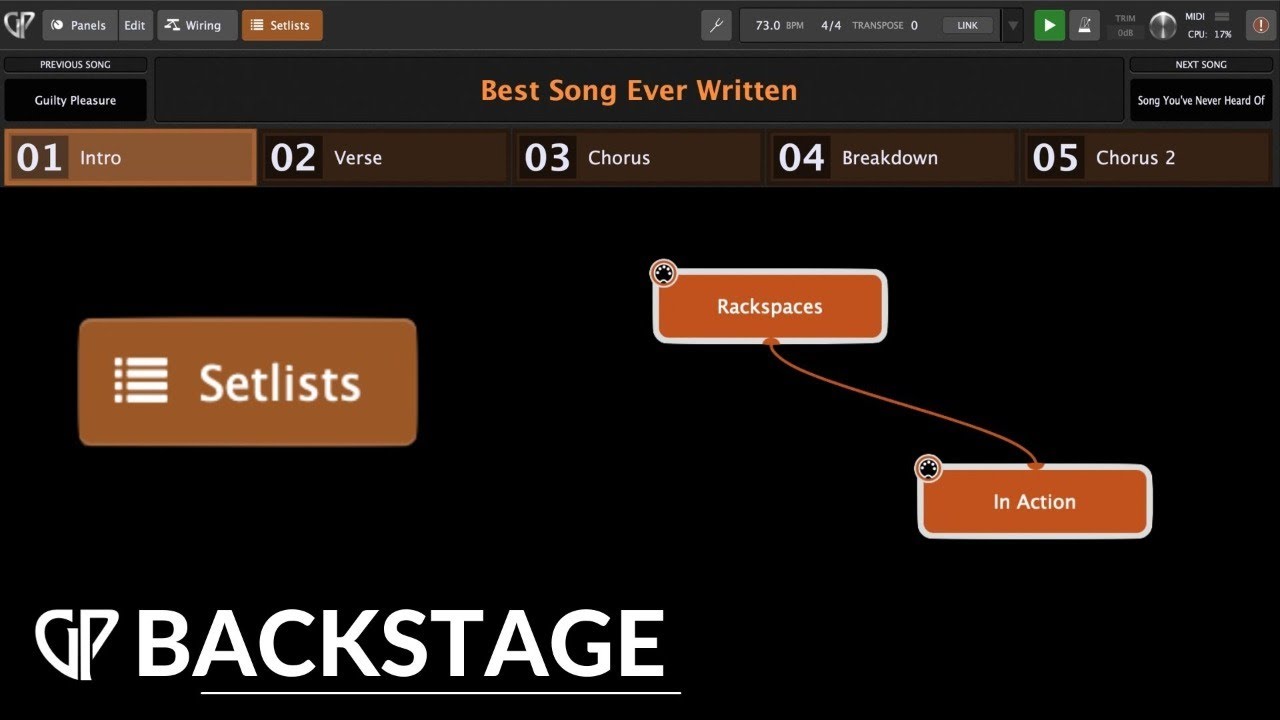
In the recent video on Setlists, there is some info on controlling global widgets from local ones.
I recently setup a Standby rackspace with Standby and Run variations. Stadby mutes all (front-of-house and monitors) and Run opens them back up.
In the Global rackspace, set up at least one mute widget, depending on your needs. In the Advanced tab for the widget, give it a parameter number.
Now set up a local rackspace called Standby with a variation called Standby. Add a “To Global Rackspace” plugin. Edit the panel and add your mute widgets. Make it control the To Global Rackspace plugin and select your mute parameter. You’ve just linked the local and global widgets.
To make sure that you don’t accidentally bump a switch with a broomhandle, set your mute switch to the off position, edit the panel, and go to the Value tab for the mute widget. Set it to ignore variations, select This Value as the initial value on gig load, and set it to Reset on Rackspace Activation. Now, everytime you enter this rackspace, your system mutes with no additional plugins loaded.
Make a new varation called Run. For this one, lockdown the mute button in the not-muted configuration.
I made a song called standby with song parts Standby, Run, and Normalize. (For normalize, I have a different local rackspace that uses the same techniques to turn off mute and to set my mixer values to unity.) Now I can select Normalize before I start a gig, Standby, when I go pee, and Run, when I get back.
I can use similar techniques to mute the mic on an instrumental or whatever.
I don’t know that I save memory or processing with this, but I save time by not having to replicate the main mixer in every local rackspace, and it’s always consistent.
Also, let’s say I need to trim the level of the bass for a given venue. With that in the global rackspace, I can tweak it once and it will be consistent throughout the gig, from song to song. When I get home, I select the “Normalize” song, and everything will be back to, well, normal.
The magic of GP is that it allows so much flexibility and provides so many levels, but it also allows things to be associated, shown or hidden, and locked down or variable. It’s really perfect for performing live - and I haven’t even started scripting or working with OSC yet.
Let us know how you set up your system. It’s fun to see how various people make it fly. 