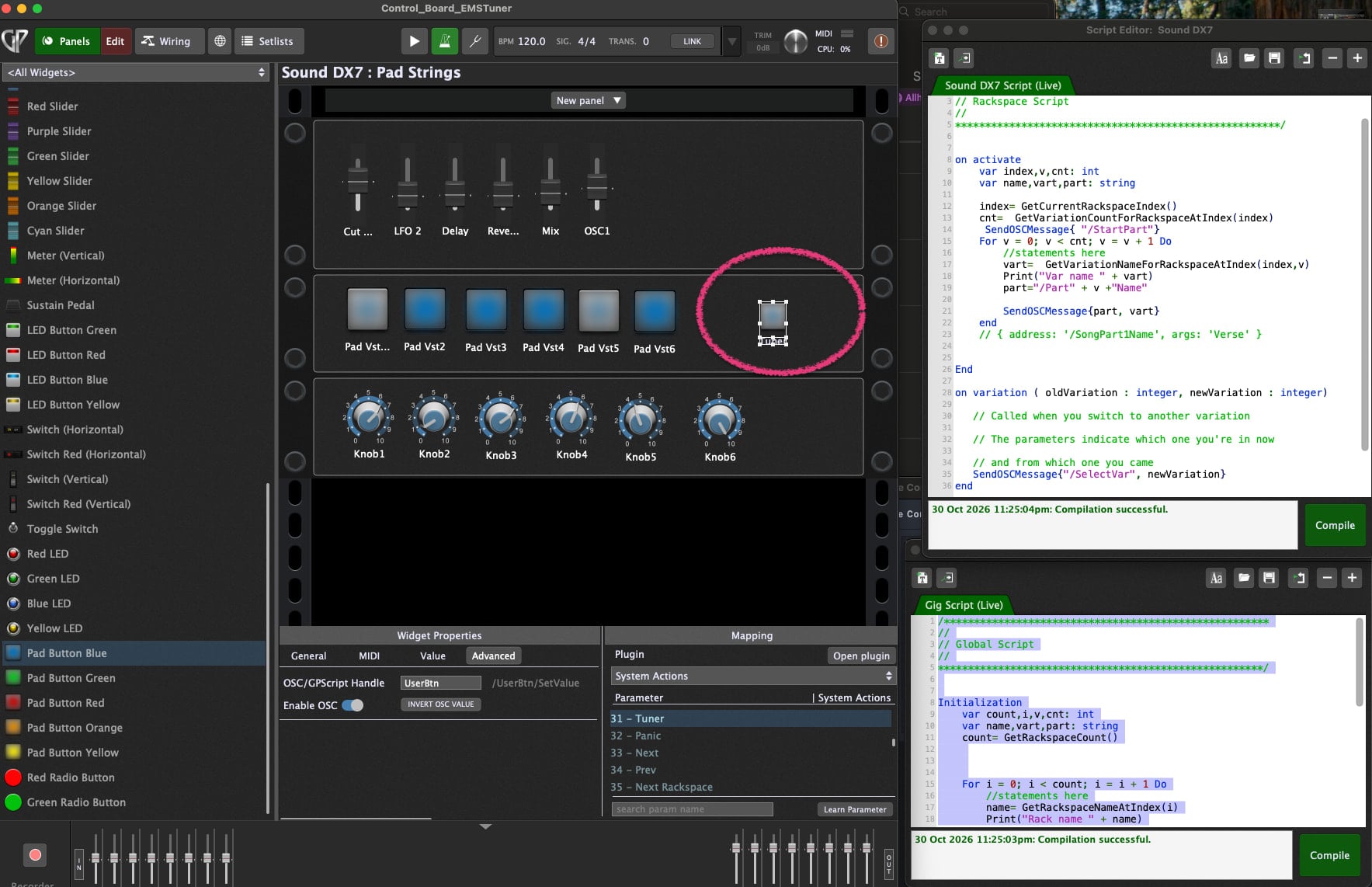
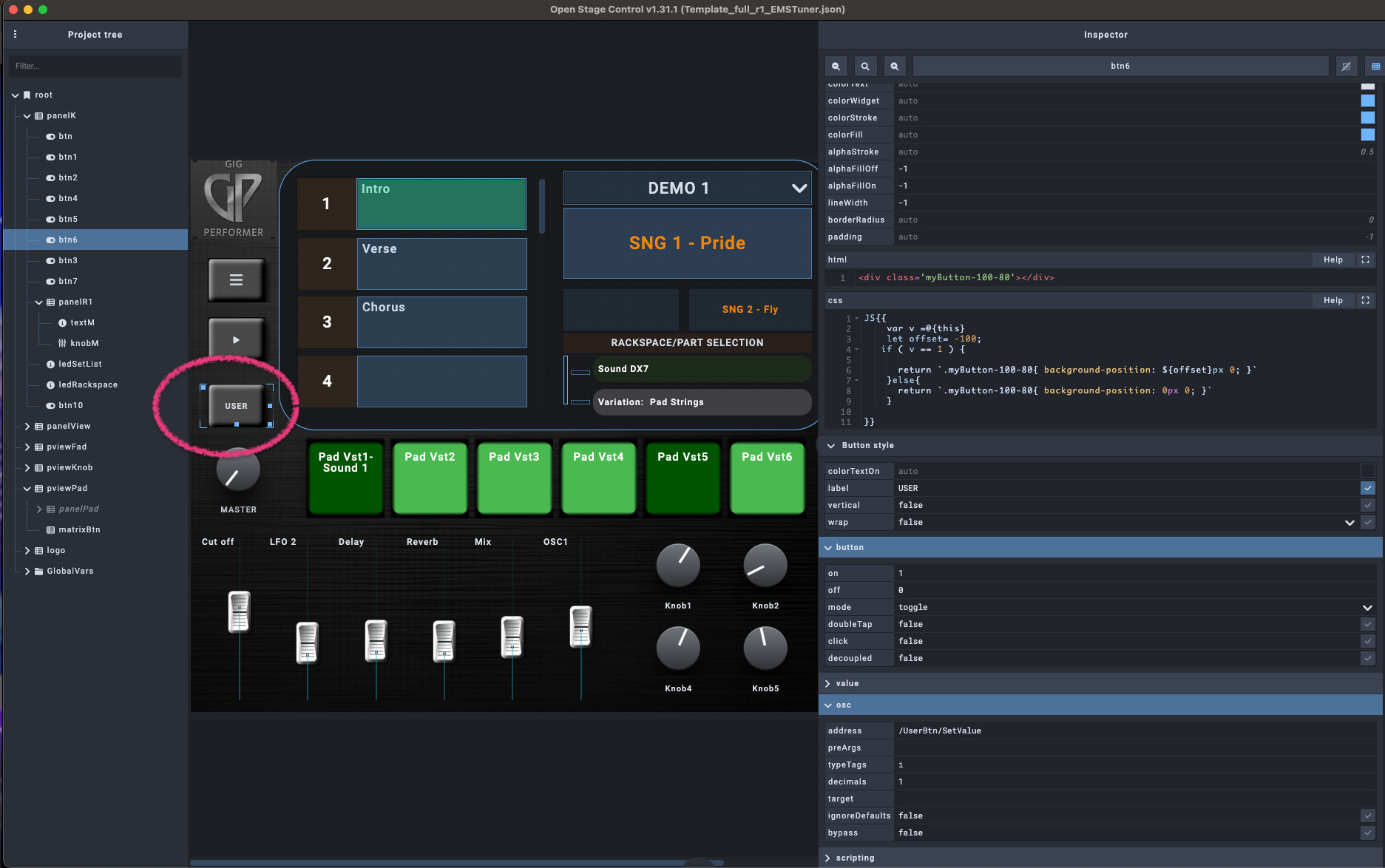
Hi, I have seen in videos where they to use OSC to toggle the tuner and importantly, they have the button (in OSC UI) be in a down pressed position while the tuner is active, (and unpressed when the tuner is inactive again). How can I achieve that?
I also had a look at the templates, which needed a little update for GP5.3.3. I was able to toggle tuner via OSC (using the use USER button in the OSC UI, as well as system actions in GP), but I am not able to achieve the OSC button being in down position while tuner is active.
(Side note: I am new to OSC and GP so I am not sure if it is user error or the templates are a little outdated, as following the readme gave some compilation error in GP5.3.3. I used AI to remedy, but would be nice if they were officially updated.)