Hi everyone,
I am a beginner with Gig Performer and I need some help setting up the MIDI control workflow for my session.
I am using a Roland XPS-10X synthesizer as my main controller. I have successfully set up rackspace switching using the keyboard’s Favorites feature (which sends Program Change messages on Channel 16), and it works perfectly.
At the same time, I would like to use the Drum Pads on the XPS-10X to trigger specific actions and also switch timbres/rackspaces. The thing is, the pads send MIDI Notes (on Channel 1) instead of Program Change messages.
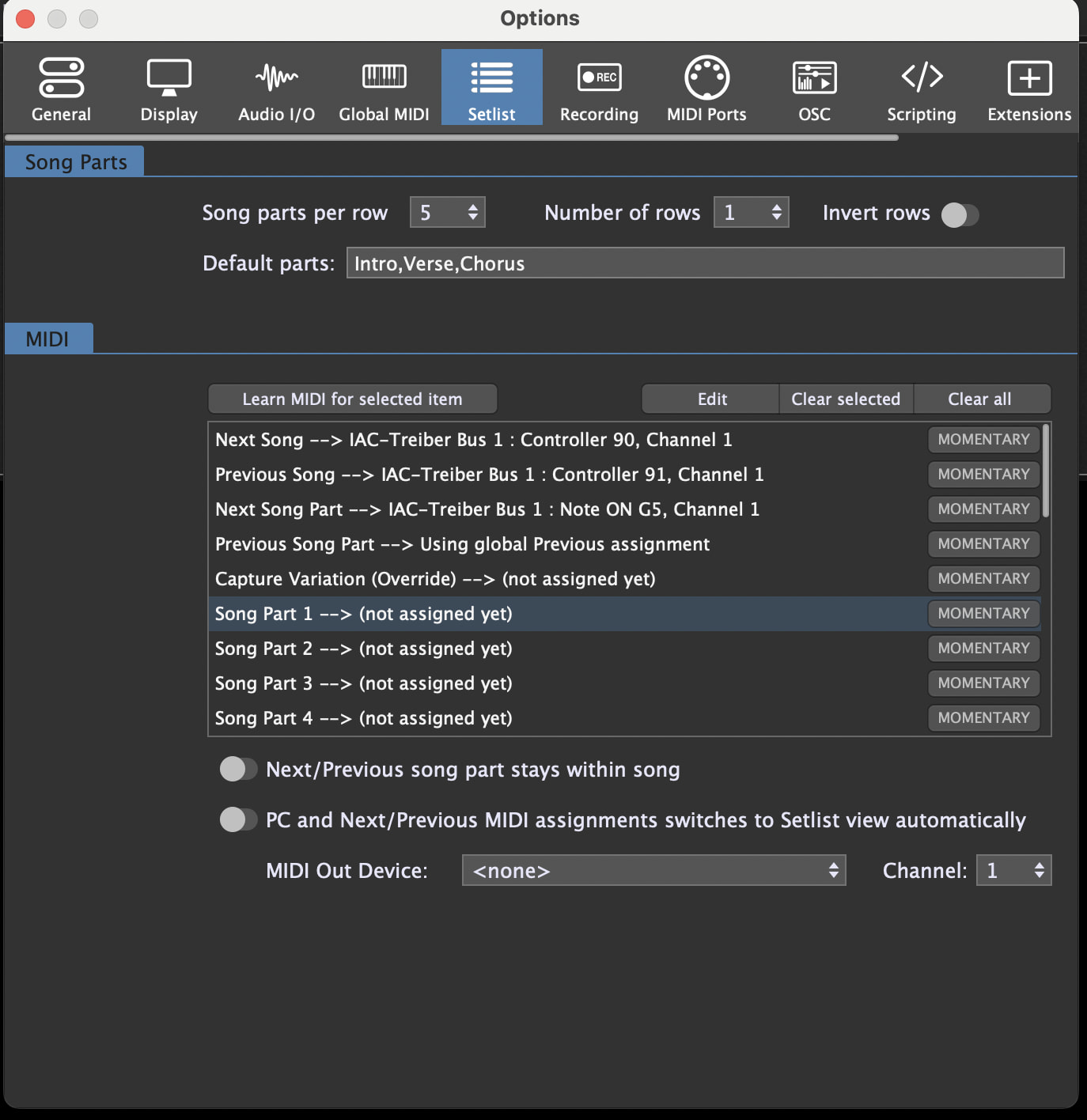
I would like to know the best way to configure MIDI filters, Global MIDI Options, or Global Rackspace / System Actions in Gig Performer so that:
-
Both Program Change messages (from Favorites) and MIDI Notes (from the Drum Pads) can work simultaneously to switch rackspaces.
-
The MIDI notes triggered by the pads for control actions do not trigger sound on my active virtual instruments (VSTs) at the same time.
Since I am still learning the platform, any step-by-step guidance or workflow suggestions would be greatly appreciated!
Thanks in advance!